
Features
Everything Umer OS does.
A launcher that makes the distracting path hard and the useful path easy. Here is what is inside, and what it is for.
Blocking and Hard mode
Block the pull, not the whole phone.
Choose the apps and parts of apps that cost you the most. Umer OS blocks them, along with browsers and the Play Store (with one controlled exception). Gallery and Contacts open only for a limited time.
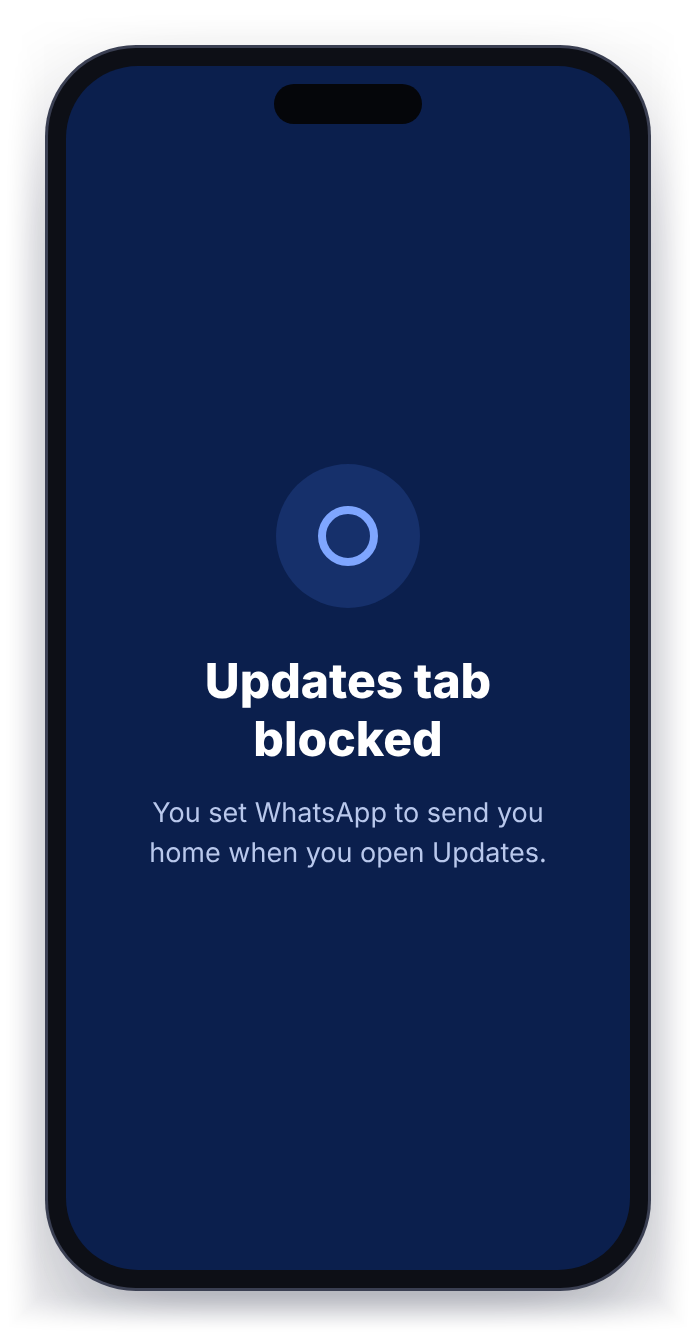
- Block a whole app, or just a screen inside it, such as WhatsApp’s Updates tab.
- Blocked screens send you home with a short message.
- Hard mode (optional) means you cannot go back to your normal launcher or switch protection off without a password or a one-time code.
Focus and Sleep
Quiet when you need it. Reachable when it matters.
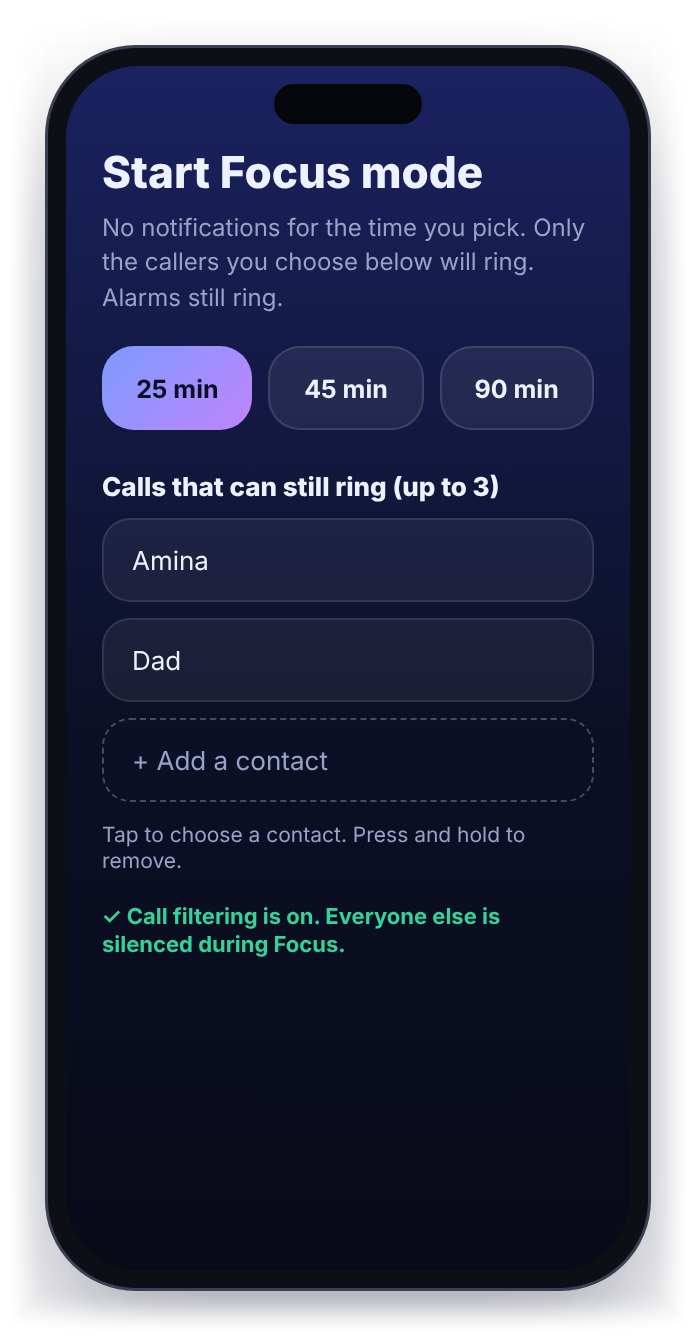
Focus silences notifications for 25, 45 or 90 minutes. Up to three people you choose can still ring you, shown by name. Alarms still ring. Ending Focus early needs your password.
Sleep is one tap. It starts a sleep period of 4 hours by default, so the phone stops asking for you.
Habits, tasks and progress
Habits keep a streak. Office work does not.
Your to-do list has two kinds of task. A habit keeps a streak, tracked over 90 days with a 90-day dot chart, so you can see the pattern, not just today. A normal task (office work, errands) is simply ticked off and never carries a streak, so a quiet day at work never counts against you.
The Progress screen shows daily and weekly charts, a discipline score, your personal goals, and a step counter with a daily step goal and its own goal streak.
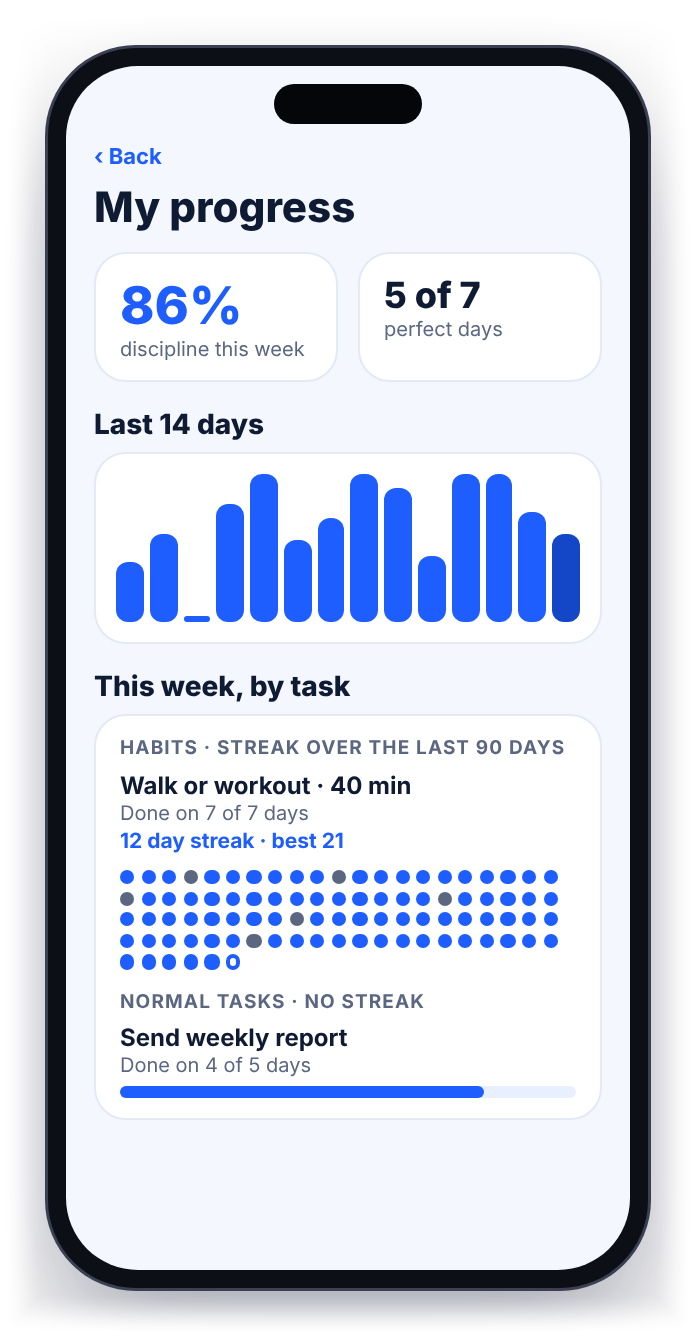
31day streak, example
An example chart, not real data. Each dot is one day, oldest first.
The Exhausted button
Tired is not stressed. Stressed is not bored.
On a bad day, tap Exhausted. Umer OS asks how you feel (tired, stressed, bored, low, overwhelmed or foggy) and gives you a different short protocol for each one, made of two small things you can do right now.
A rotating brain tip sits underneath, with the study behind it and how big that study was, so you can judge it for yourself. Umer OS is a self-control tool, not medical treatment.
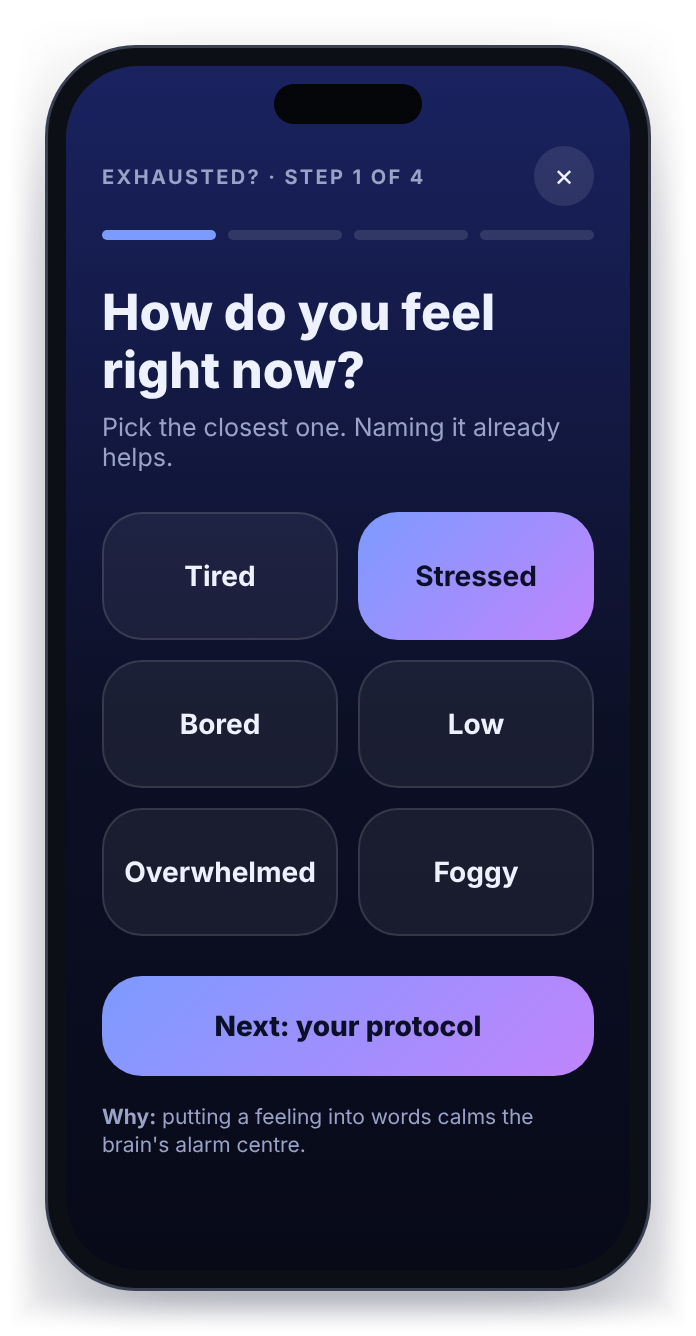
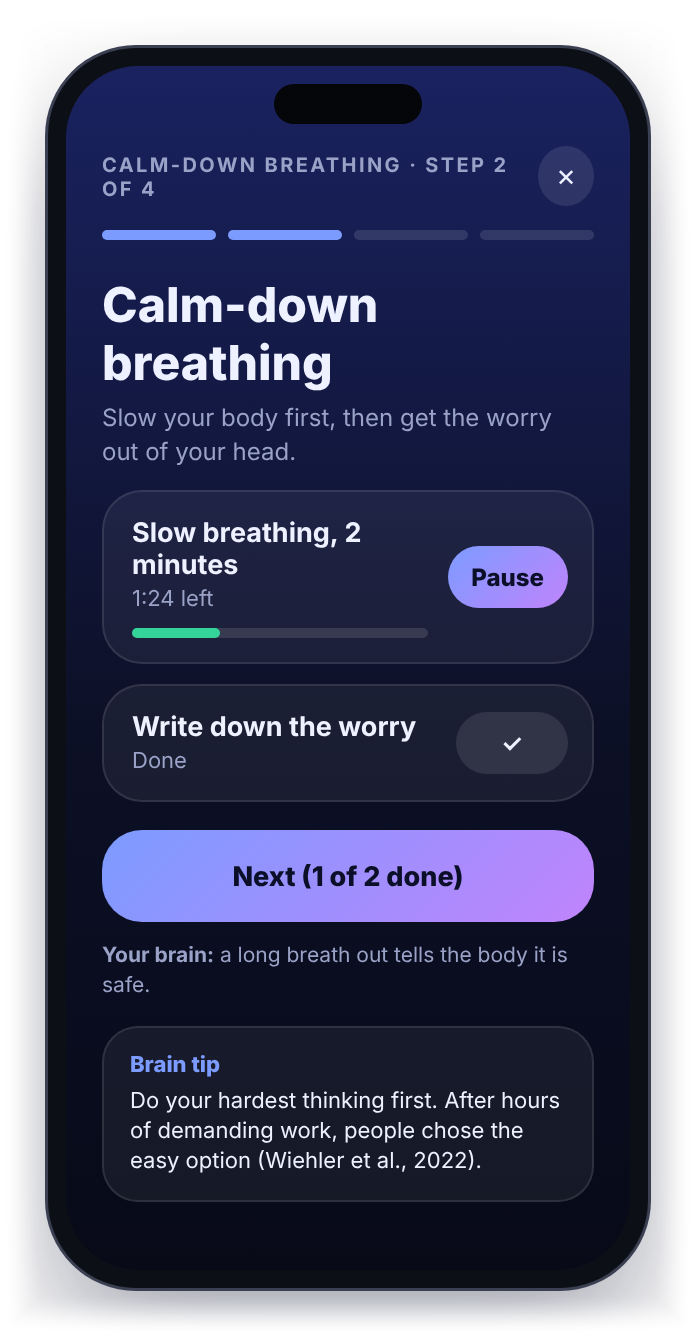
Try it. How do you feel right now?
A demo of the app’s protocols. In the app the steps have timers and counters, and nothing is saved or sent anywhere.
Tired: Wake-up walk
Tiredness eases with movement and light, not with more sitting.
- Walk 1,000 steps. About 10 minutes. Outside if you can.
- Get daylight. Stand by a window or step outside for 2 minutes.
In the brain: light and movement switch the alertness system on; a dim room and sitting still switch it off.
Why: a 10-minute brisk walk raised energy and lowered tiredness for up to 2 hours (Thayer, 1987). Bright light made people less sleepy and more alert (Phipps-Nelson et al., 2003).
Stressed: Calm-down breathing
Slow your body first, then get the worry out of your head.
- Slow breathing, 2 minutes. In through the nose, a second short sip of air on top, then a long slow breath out through the mouth.
- Write down the worry. One or two sentences, on paper or in Notes.
In the brain: a long breath out tells the body it is safe, and writing moves the worry out of your working memory.
Why: in a 2023 trial of 108 people, “cyclic sighing” (long exhales) lifted mood more than mindfulness meditation. It was 5 minutes a day for 28 days and a small study, so 2 minutes now is the quick version (Balban et al., 2023). Writing down what is unfinished frees the mind from it (Masicampo & Baumeister, 2011).
Bored: Get unstuck
Boredom is your brain wanting something that matters. Start tiny.
- Change your spot. Stand up and move to another room, or step outside.
- Do the first 2 minutes of ONE task. Pick it, put everything else away, begin.
In the brain: boredom is a signal to find a goal that matters; a new place plus a tiny start gives your brain one.
Why: boredom is the mind wanting something meaningful to do and not finding it (Eastwood et al., 2012). Starting small works because motivation usually follows action, not the other way round (behavioural activation).
Low: Lift the mood gently
Movement, light and one person. Small and easy, in that order.
- Walk 1,000 steps. Outside if you can, daylight helps.
- Reach out to one person. A text or a call to someone you trust.
In the brain: action comes first and mood follows: movement, daylight and contact all lift it, even when you do not feel like it.
Why: getting active in small steps helps low mood (behavioural activation, Cuijpers et al., 2007). Reaching out feels better than people expect (Epley & Schroeder, 2014).
Overwhelmed: Empty your head
Get it all out of your head, then choose one thing.
- Brain dump, 2 minutes. Write everything on your mind. No order, no neatness.
- Circle just ONE thing. The one that matters most for the next 25 minutes.
In the brain: working memory holds only a few things at once; the page can hold the rest.
Why: making a plan for unfinished things stops them nagging at your attention (Masicampo & Baumeister, 2011).
Foggy: Clear the fog
Fog often clears with water and a little movement.
- Drink a glass of water. A full glass, slowly.
- 10 squats.
In the brain: thinking is energy-hungry; being a little dry and sitting still makes it feel heavy.
Why: mild dehydration lowers focus and mood (Armstrong et al., 2012). One bout of exercise gives thinking a small but real boost (79 studies, Chang et al., 2012).
Five styles
A home screen you will actually want to open.
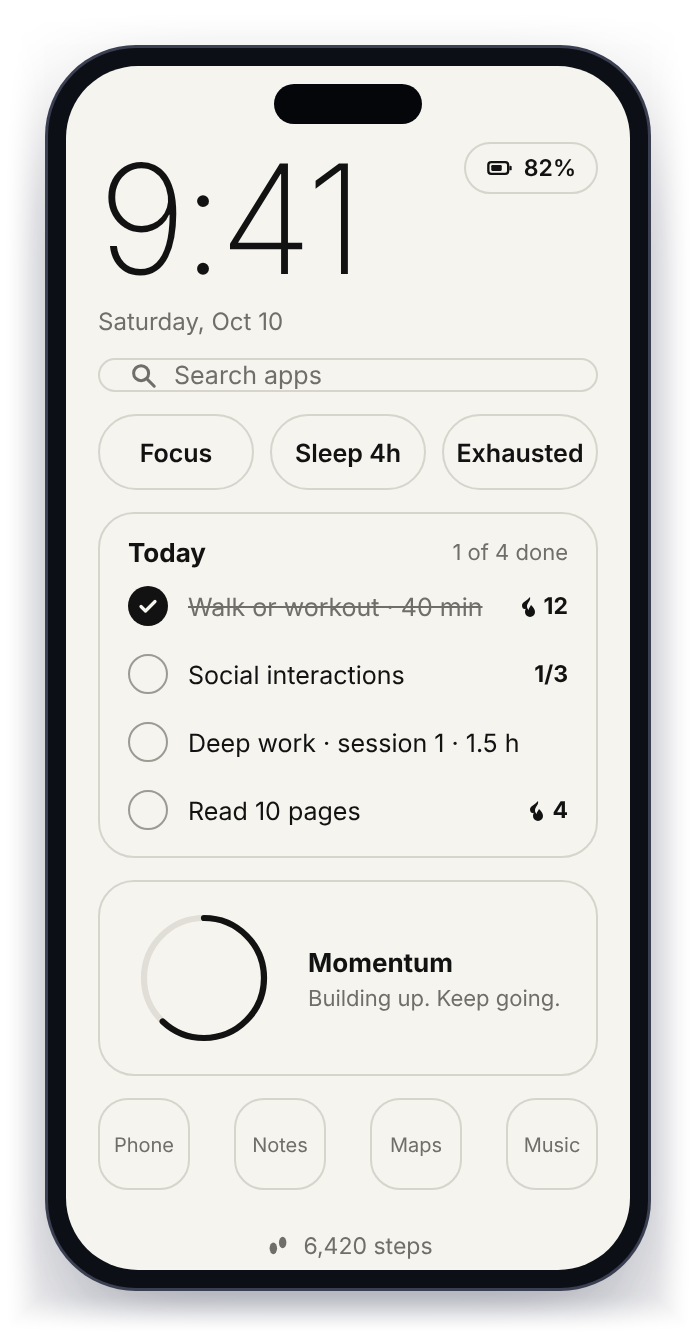
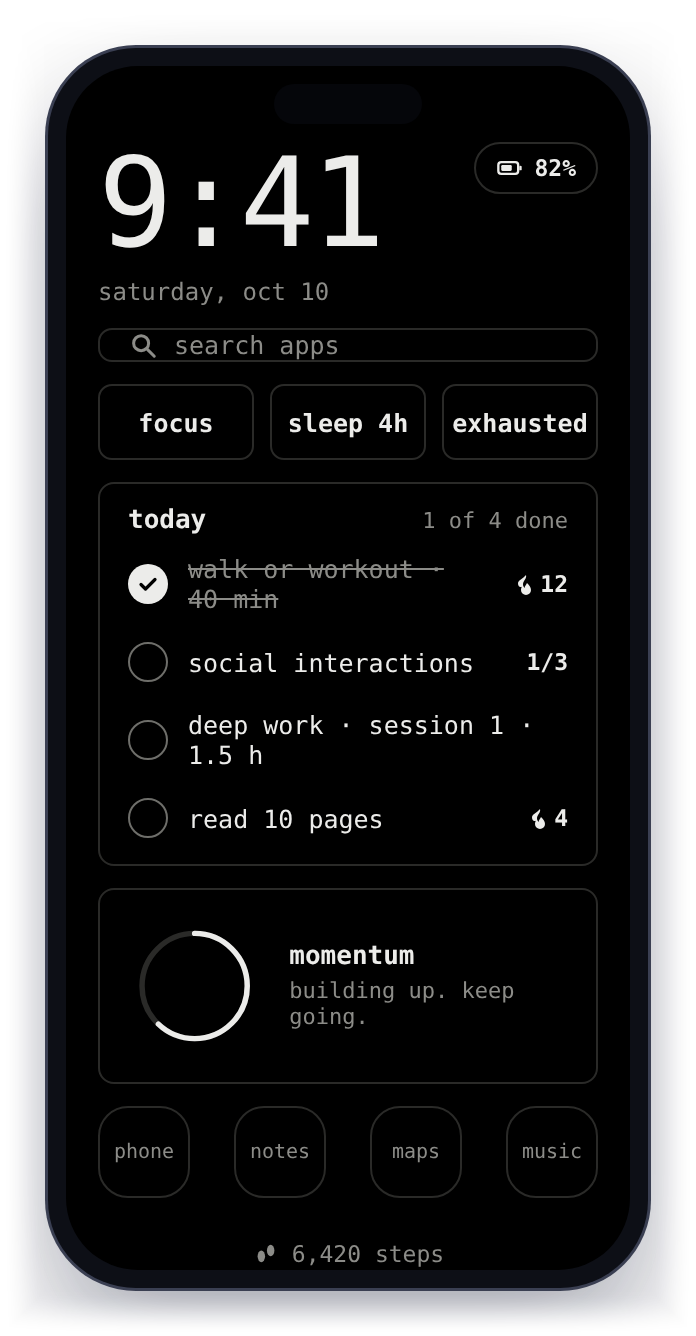
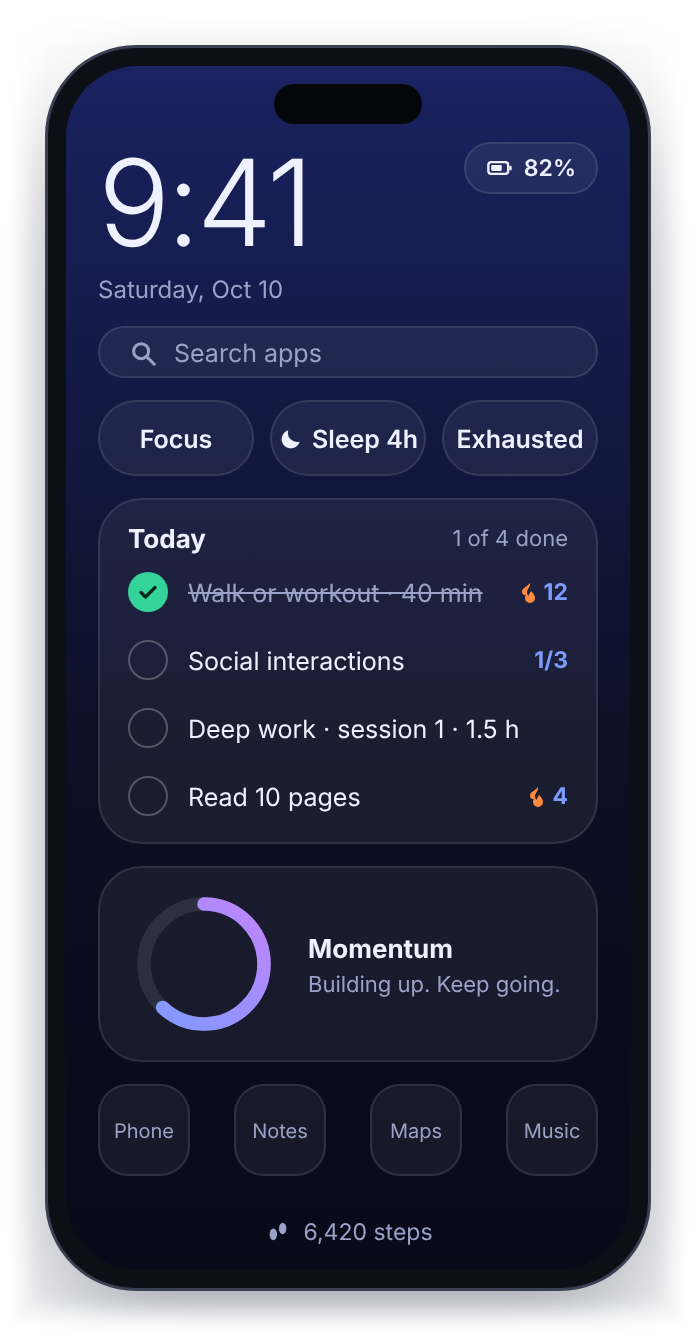
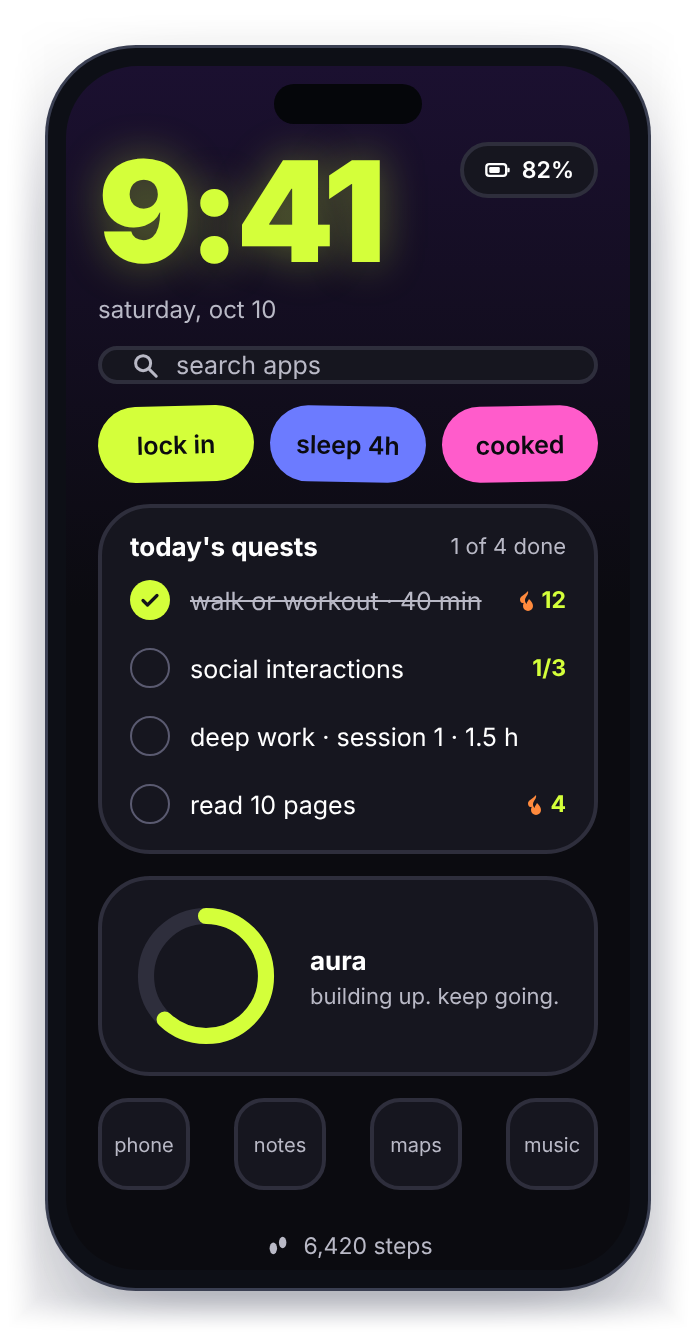
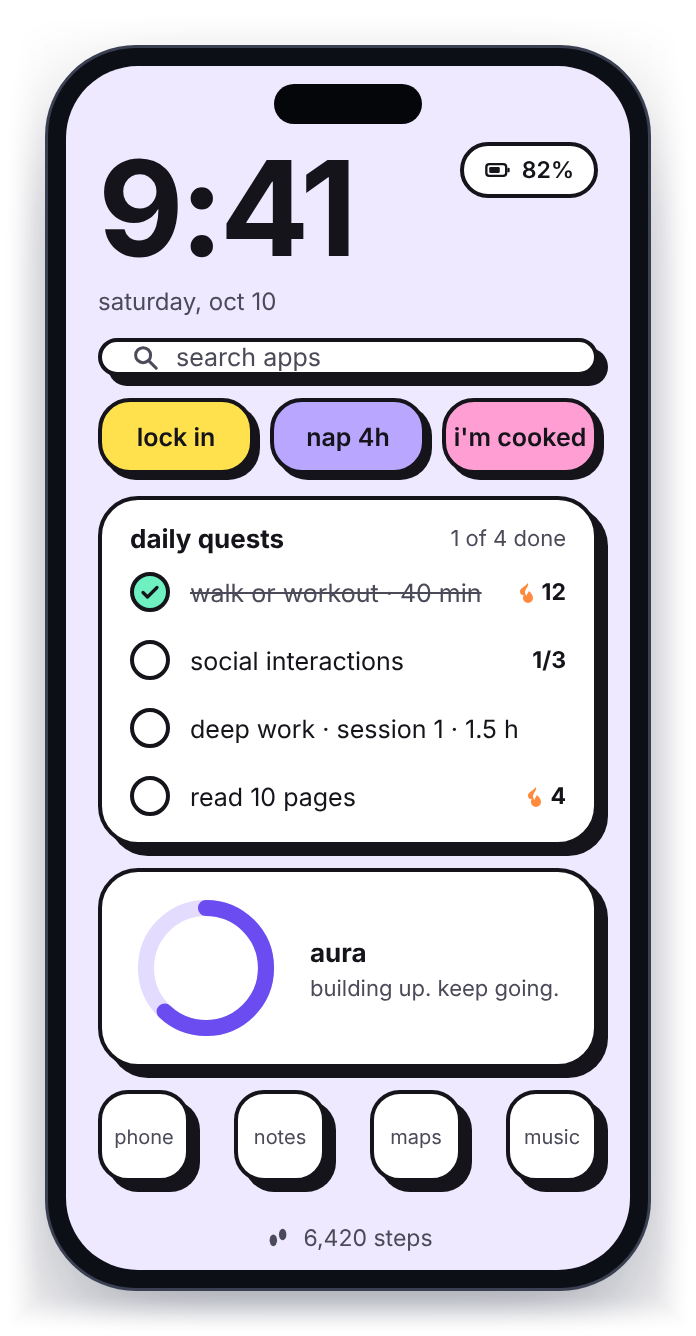
Paper, Mono, Night gradient, Neon and Sticker pop. You choose in the app, with a live preview of each look before you commit.
Add your own motivational quotes to the home screen. Umer OS ships with no built-in religious content, so it suits everyone: the words on your screen are yours.
Hard mode
For the days you know you will argue with yourself.
Hard mode is optional. When it is on, you cannot switch back to your normal launcher or turn protection off without a password or a one-time code, which a partner can hold. It is designed to be hard to undo, so choose it only if you want that.
On the way
Website filters for your PC.
The same idea for your computer, so the work you sit down to do is not interrupted by the tabs that pull you away. It is planned, not available yet. Leave your email on the PC page to hear first.
Take your life back.
Install it, send us your Device ID, and you are protected in about ten minutes.